App Store
For iPhone and iPad.
Download NavGo Maps from the App Store. See the latest app and compatibility information on the store page.
Open the App Store
Choose the store for your phone. Get ready for your journey with navigation, radar alerts and traffic information.
You can review plan and subscription options in the app.
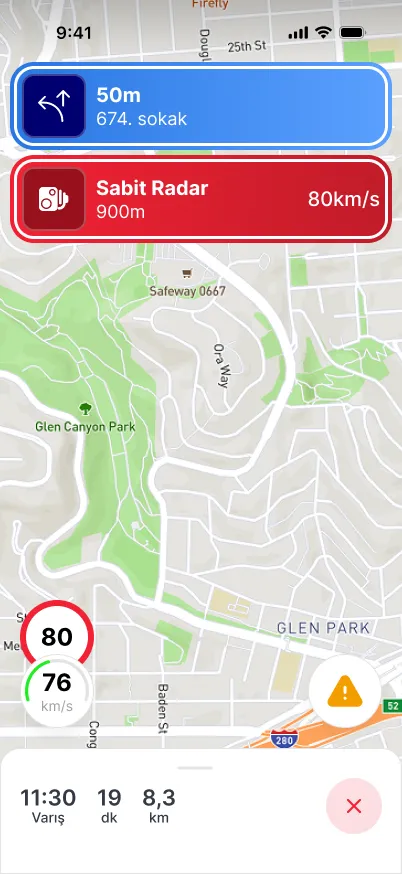
Open the store page, check device compatibility and download the app.
Download NavGo Maps from the App Store. See the latest app and compatibility information on the store page.
Open the App StoreDownload NavGo from Google Play. Find device compatibility and the latest app details on the store page.
Open Google PlayAfter downloading the app, review your map, sound and route preferences before you set off.
First-use guideDownload NavGo from the store for your phone and follow the getting-started steps.
Check your location, voice guidance and radar alert preferences. Download the maps you will need in advance.
Set your destination and weigh the route options against your travel needs.
Read our help articles for questions about setup, downloading maps and your account.

