Vehicle profile
Start preparing your route by entering your vehicle's dimensions and weight.

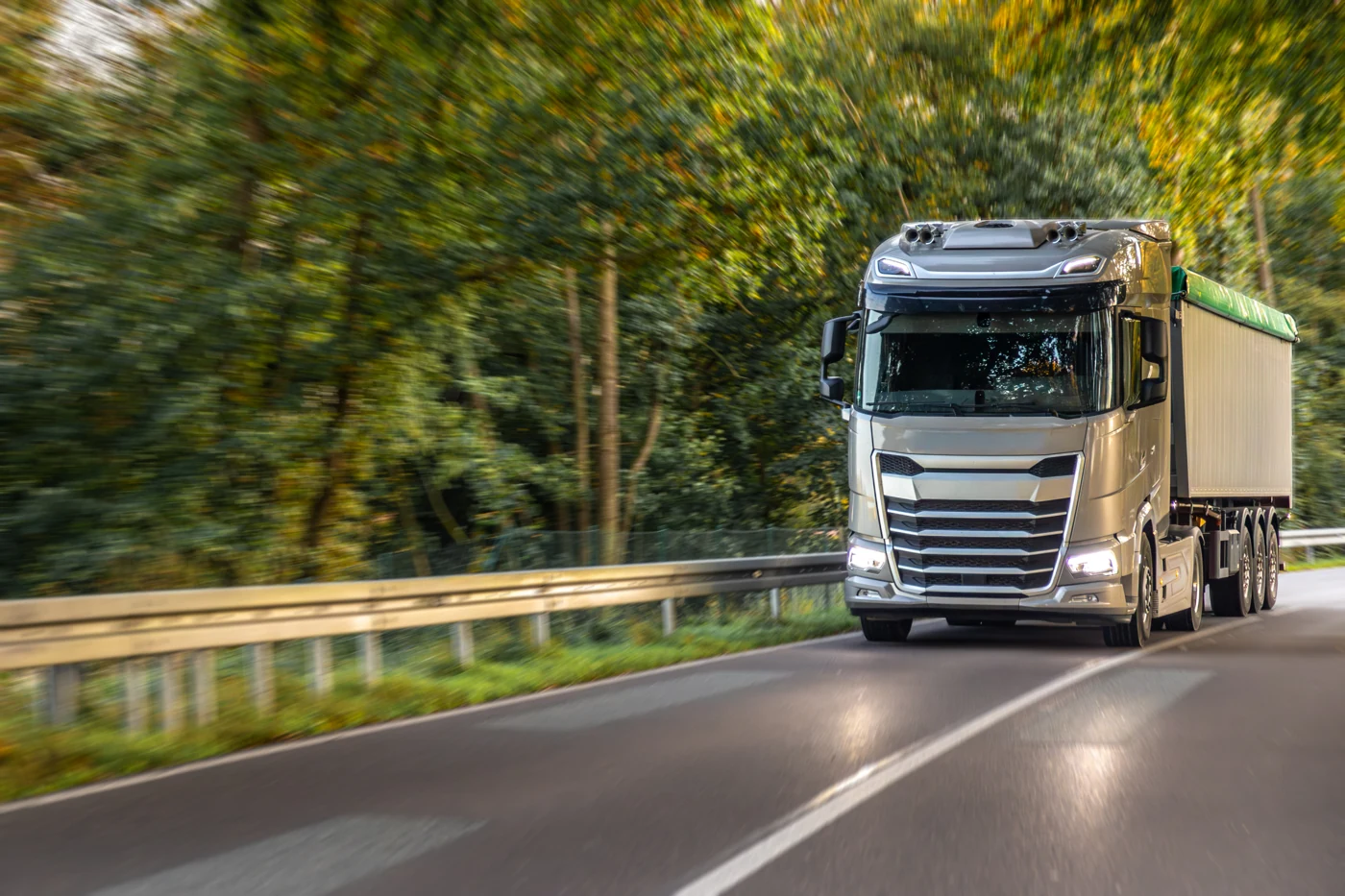
A navigation experience for truck and lorry journeys that takes vehicle dimensions, weight and commercial driving needs into account.
Start preparing your route by entering your vehicle's dimensions and weight.
Compare route options that take commercial vehicle needs into account.
Follow road information and radar alerts while navigating.
Download your maps in advance and review your destination and driving preferences.
On commercial journeys, preparation starts with your vehicle details. Compare route options with the needs of your vehicle and your journey in mind.
Keep the dimensions and weight up to date for your vehicle and your load.
Look at route options, the destination address and your travel needs together.
Prepare your maps and alert preferences in advance and follow the road signs on the way.
NavGo Truck Pro focuses especially on the vehicle dimensions and commercial travel needs of truck and lorry drivers.
Vehicle dimensions and weight are important for evaluating suitable route options. When your vehicle or load changes, review your profile details as well.
Alongside navigation, Truck Pro also helps you follow radar alerts. You can adjust your alert distance and sound preferences before you drive.

